- Details
- Written by: Martin Moleski
- Category: Webteam notes
- Hits: 73
This is just a quick first draft to record some things I have learned in recent days.
I have created and tested three templates as of today.
The first is to play with custom CSS and see how the system works.
The second is a preparatory template for the next TAD Table of Contents.
The third is for sending out short notices such as requests for payment of dues and information about conferences.
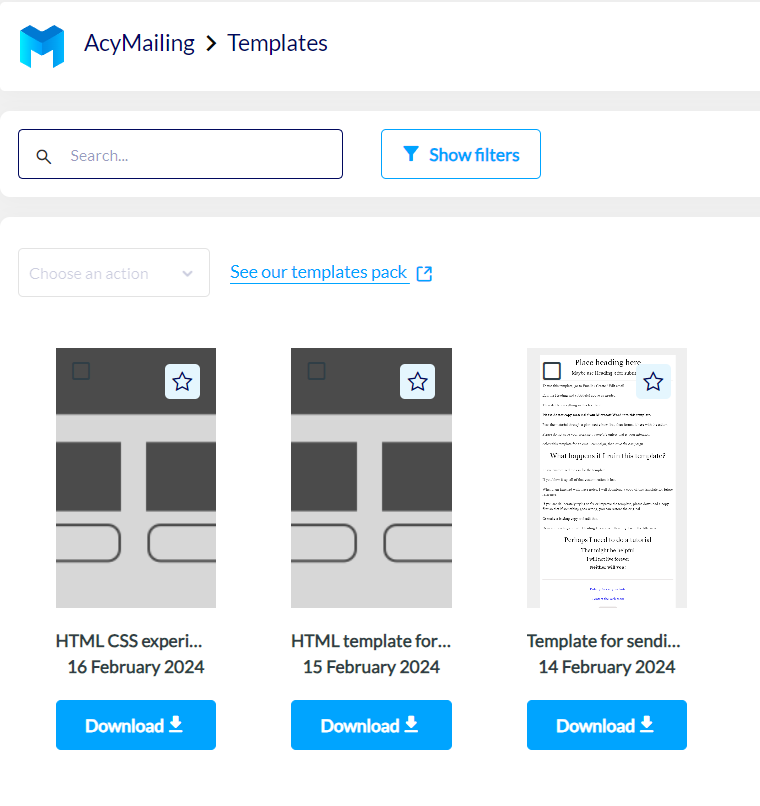
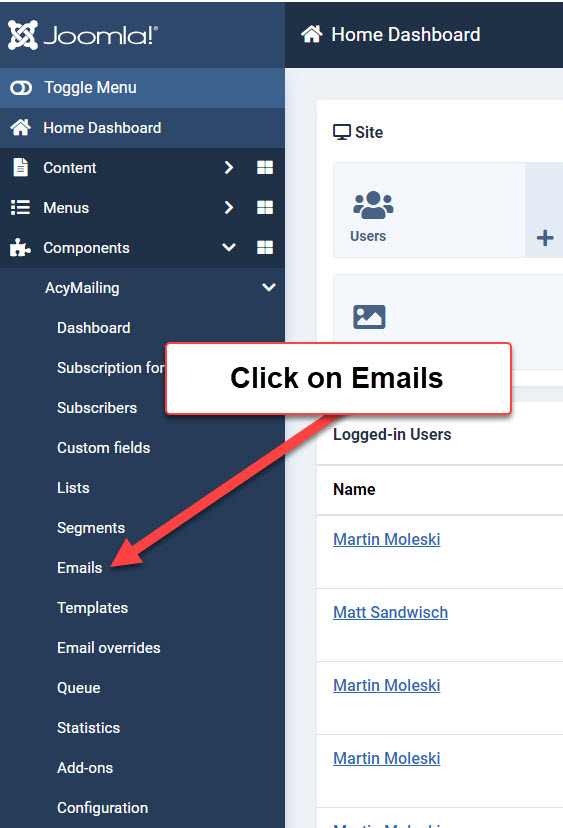
The templates do occasionally need to be tweaked and tested, but in the ordinary course of producing an email to be sent to a subscription list, begin with Components / AcyMailing / Emails to start a new email campaign and edit the body of the email, not the template.
Please do not edit past email campaigns. That destroys the evidence of what worked in the past. Instead, send yourself a test email from a successful campaign and use that for guidance in creating a new campaign from scratch.
- Details
- Written by: Martin Moleski
- Category: Webteam notes
- Hits: 65
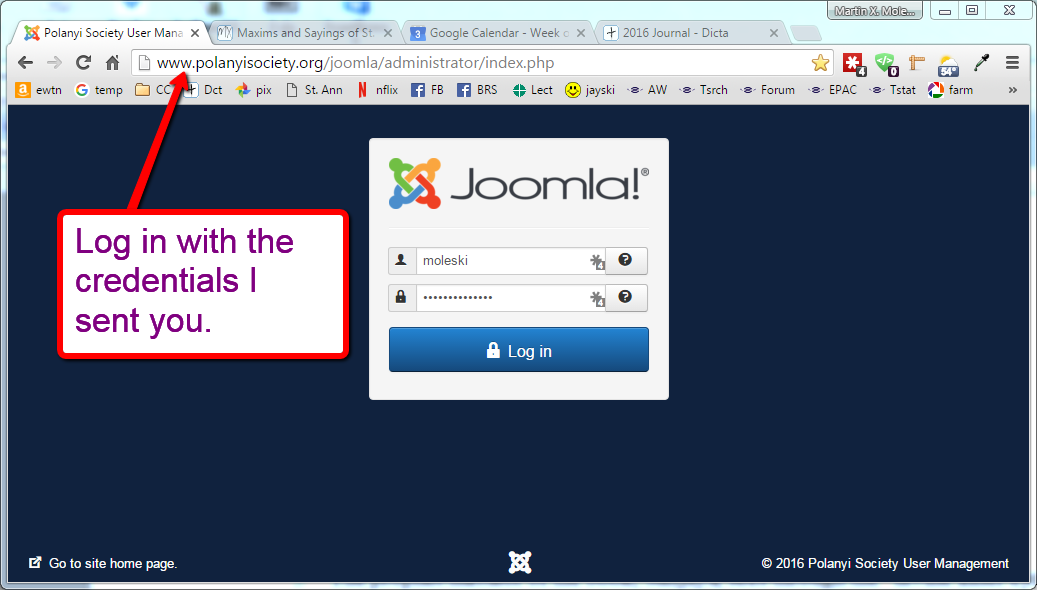
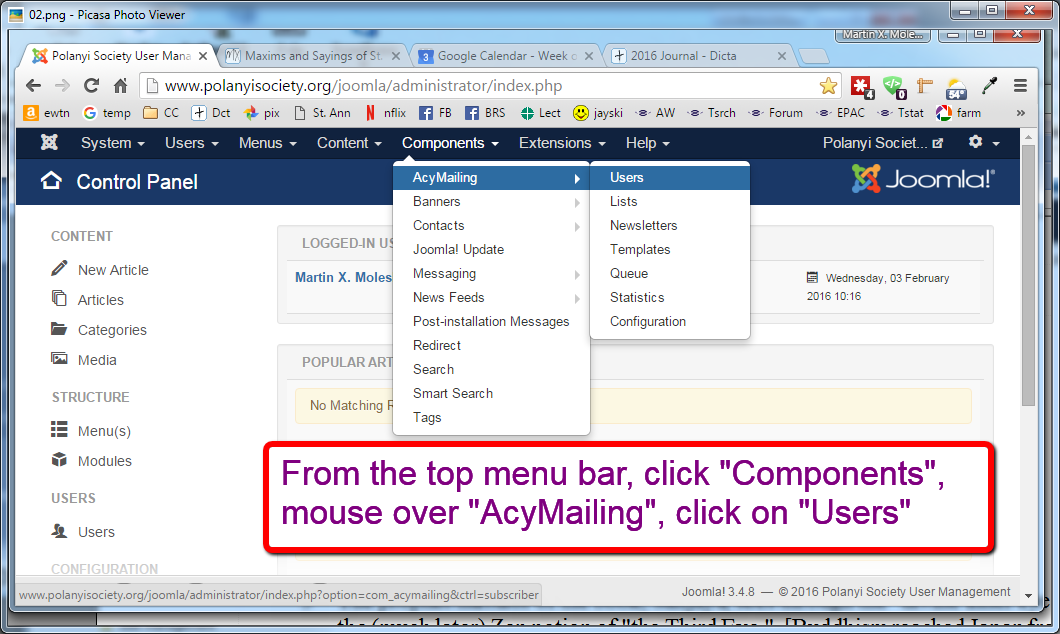
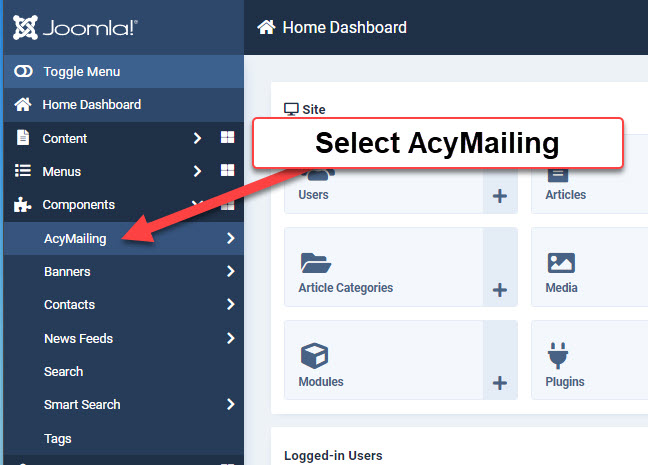
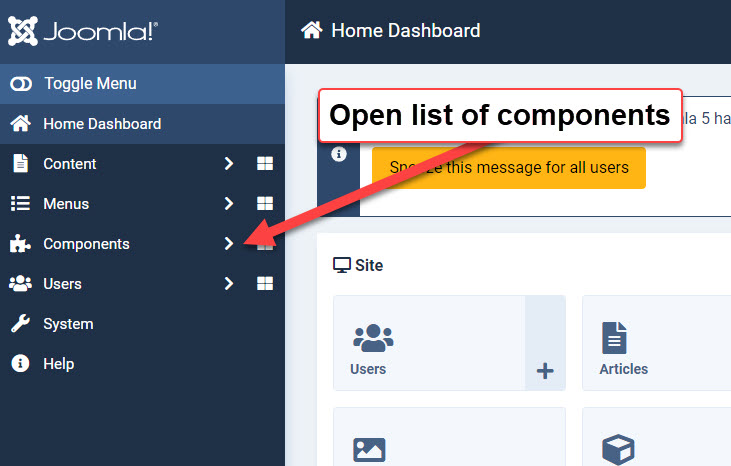
Log into Joomla / open Components list
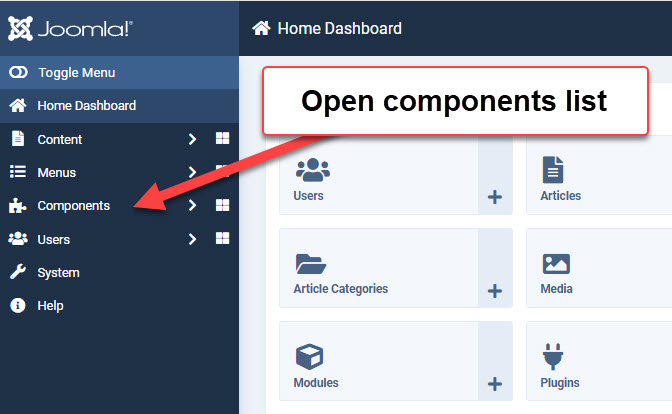
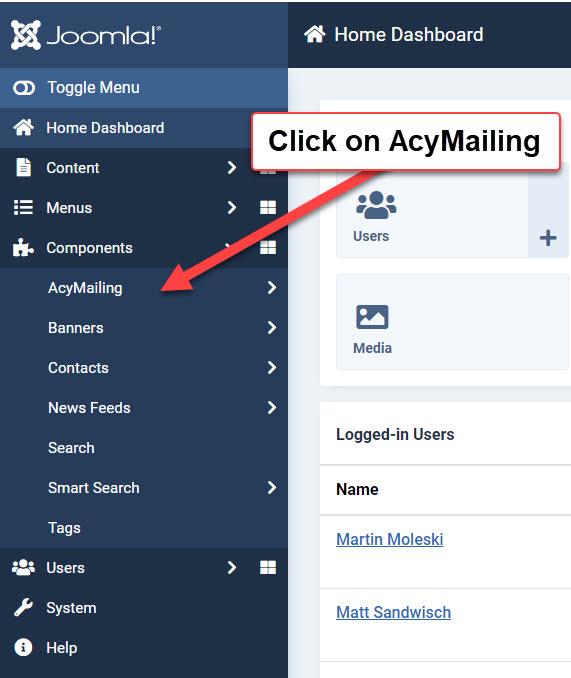
Select AcyMailing component
Select Queue
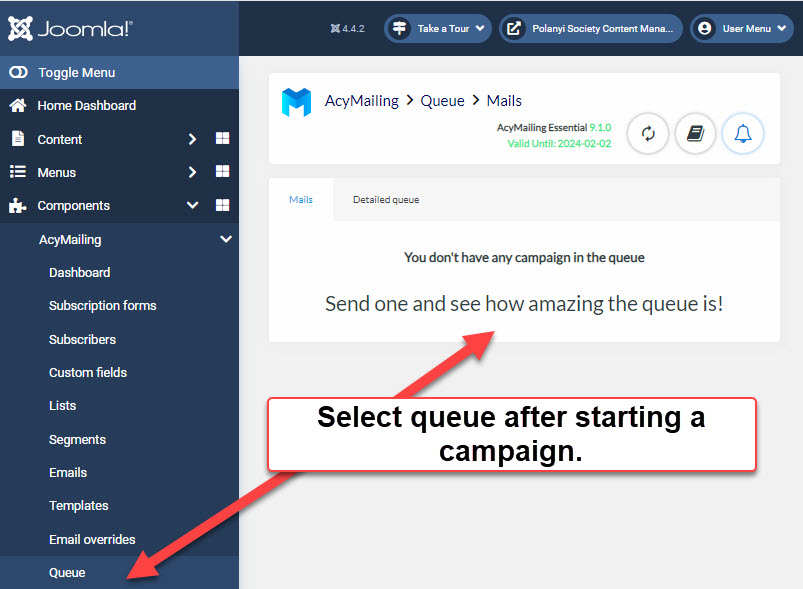
I have to wait until we are running a campaign
to capture a better image of what the queue
report looks like.
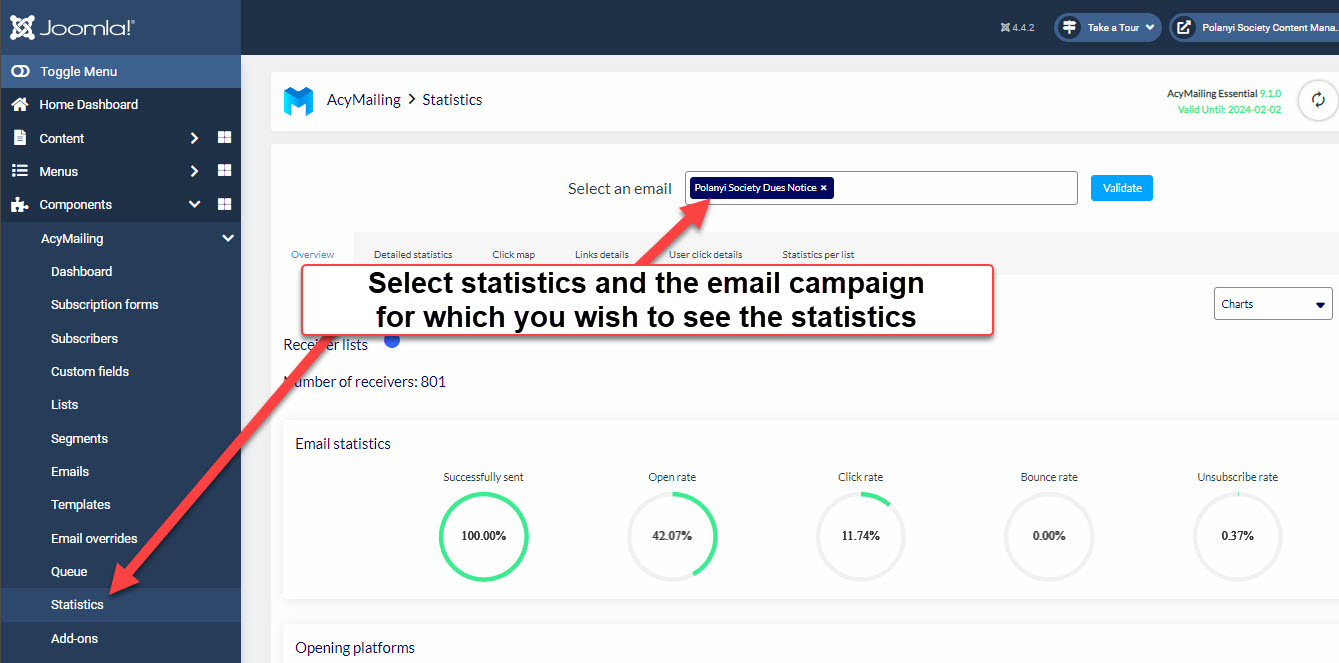
Select statistics / email campaign / Validate
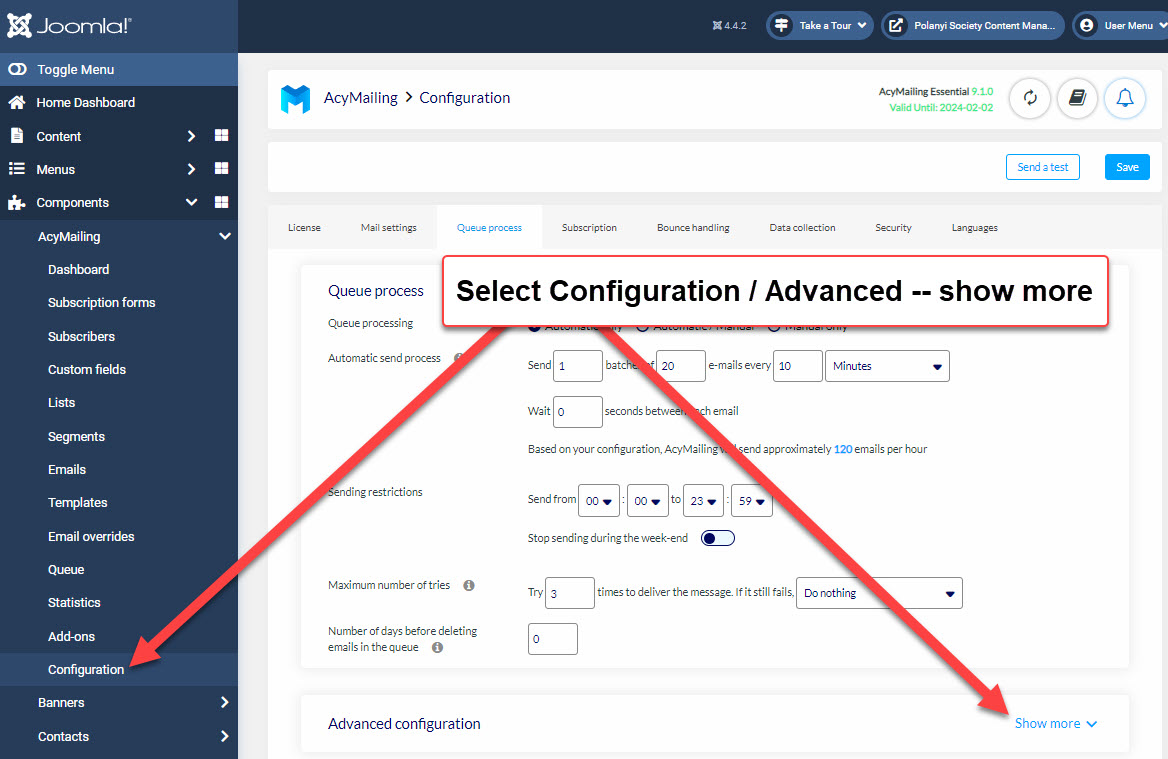
Select Configuration / Advanced -- View more
Select See the report
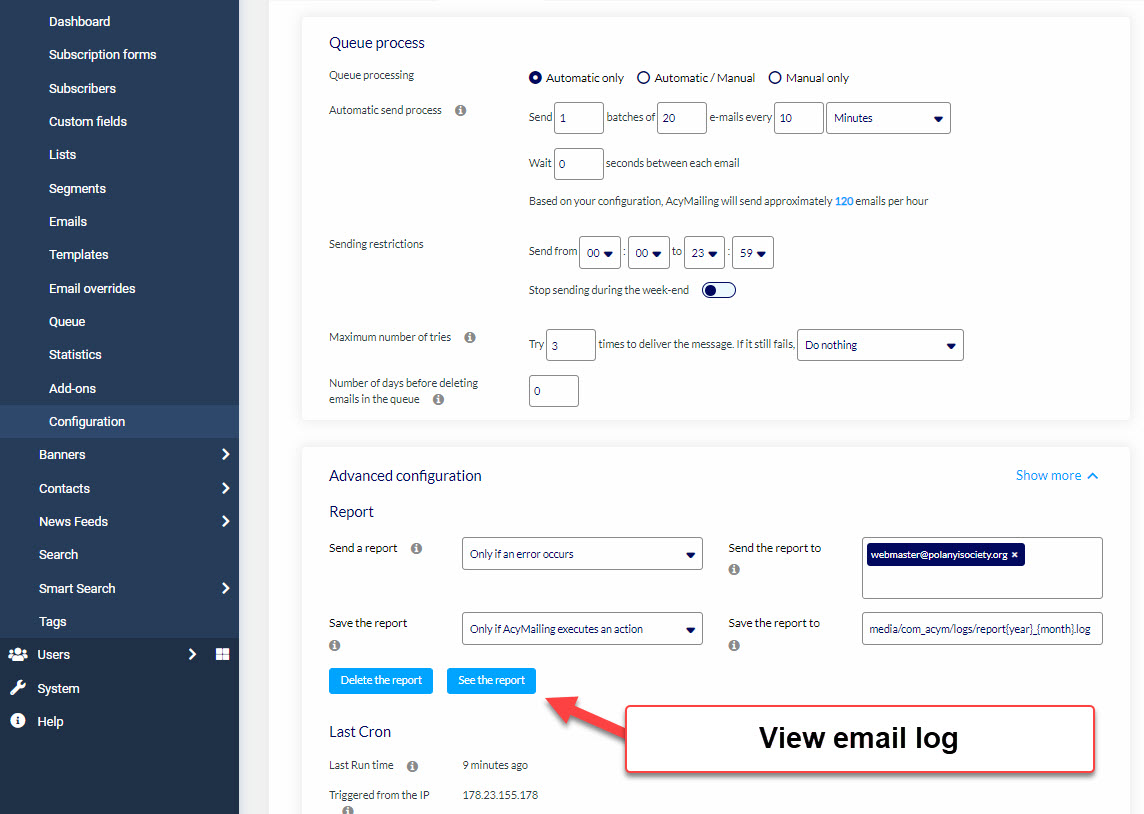
The log shows each batch of emails that have been sent.
The sending is prompted by an entry in our cron job that
connects to AcyMailing in the background every fifteen minutes.
c
c
- Details
- Written by: Martin Moleski
- Category: Webteam notes
- Hits: 58
Log into your personal account
Polanyi Society User Management - Administration
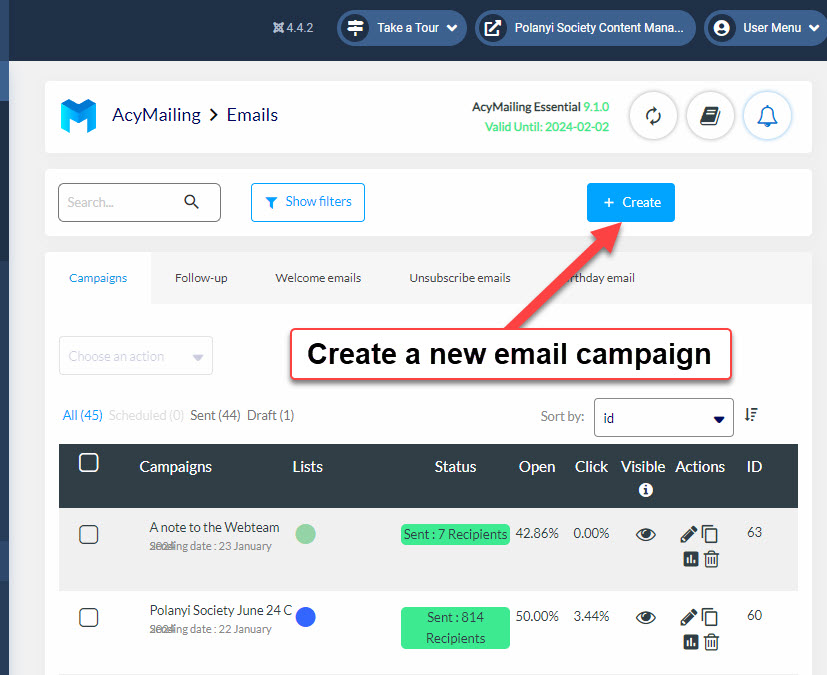
From the Joomla Dashboard, select Components / AcyMailing
Select Emails / Classic Campaign / Create
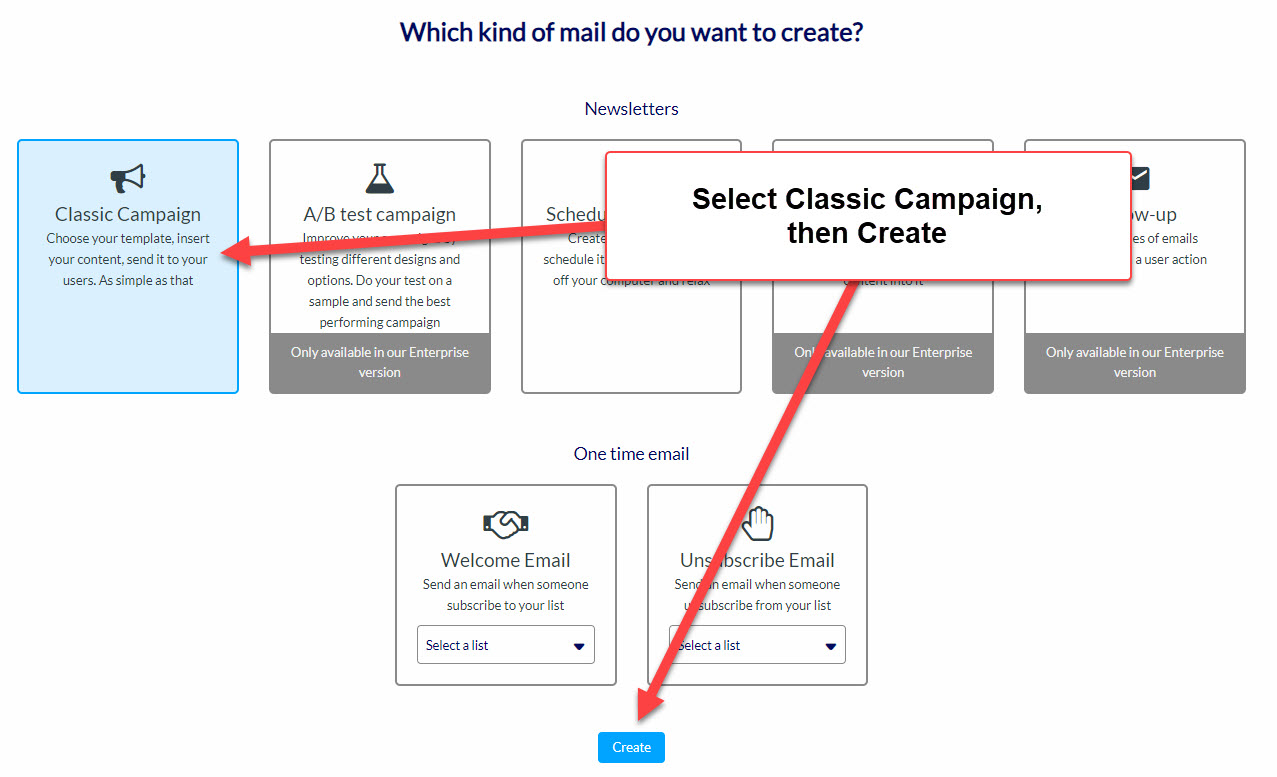
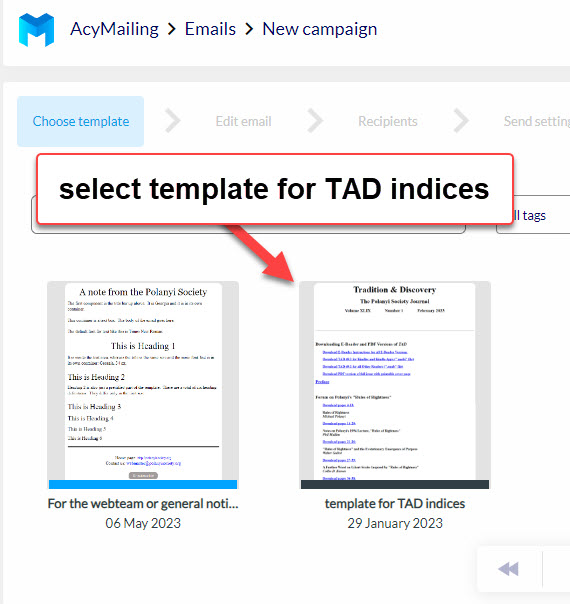
Use the template for TAD indices
Edit header / Insert Table of Contents
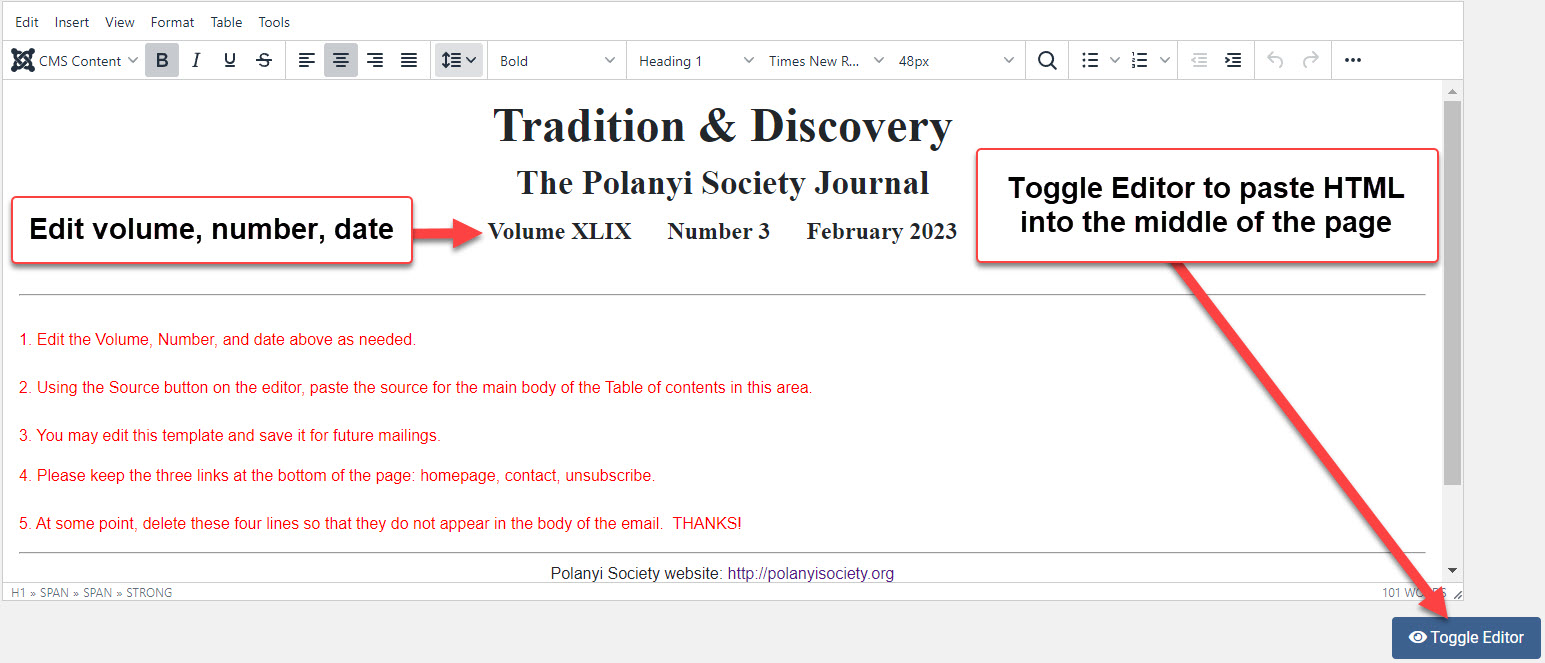
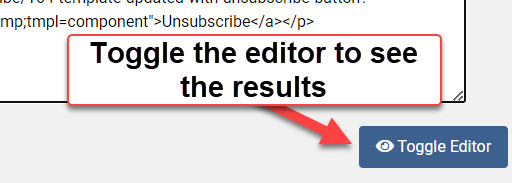
Check the layout by toggling the Editor to WYSIWIG view
WYSIWYG = “what you see is what you get”
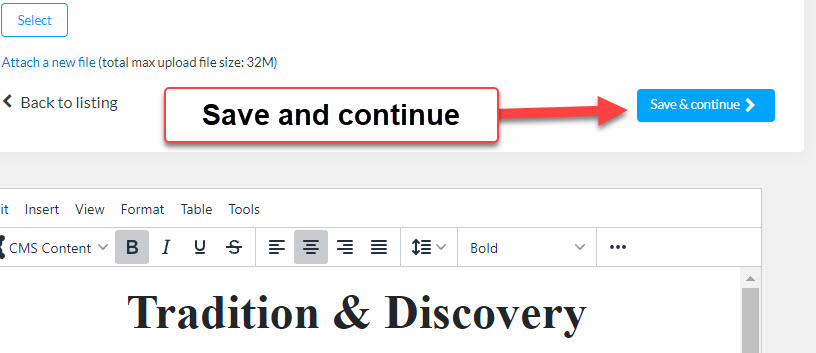
When editing is complete, save and continue
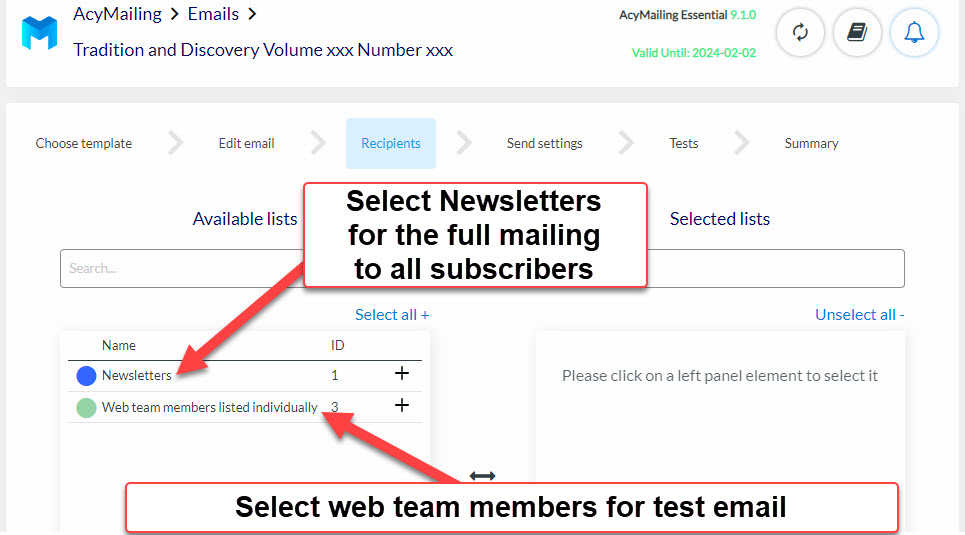
Select recipients for the campaign
Do a test with the Webteam members first. When it succeeds, then replace that list with the Newsletters list.
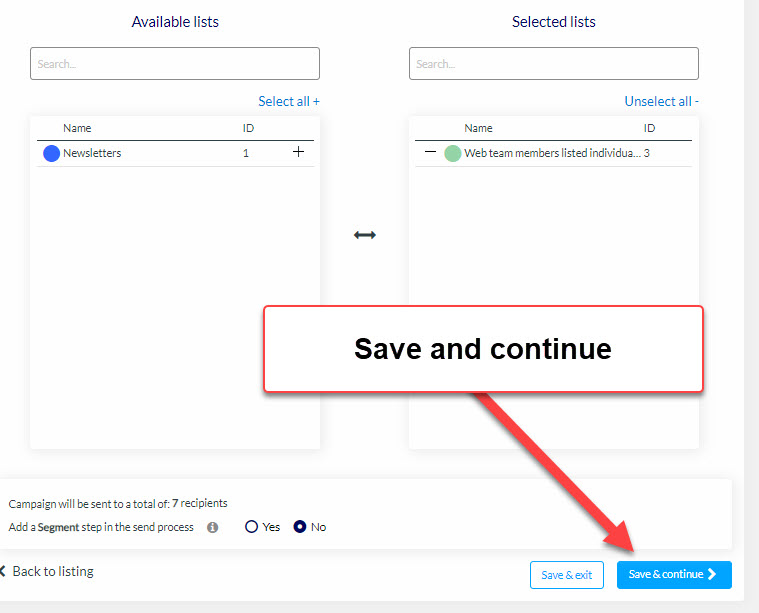
Edit these fields only if you do not want to use the defaults
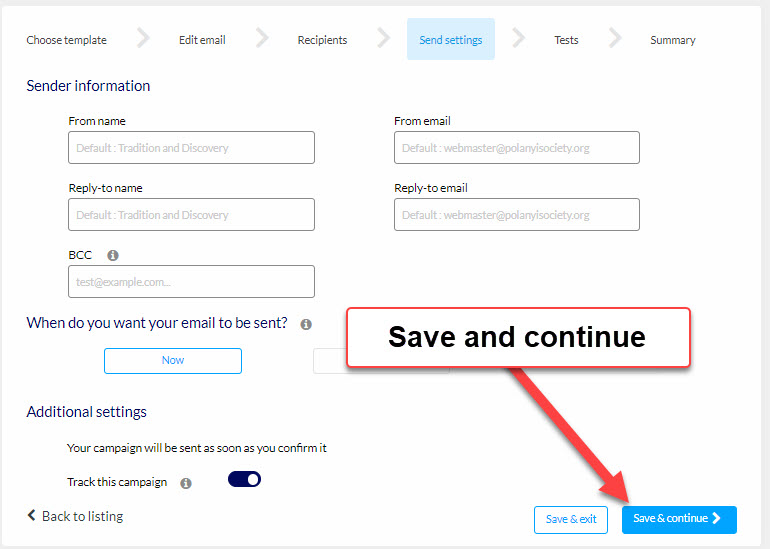
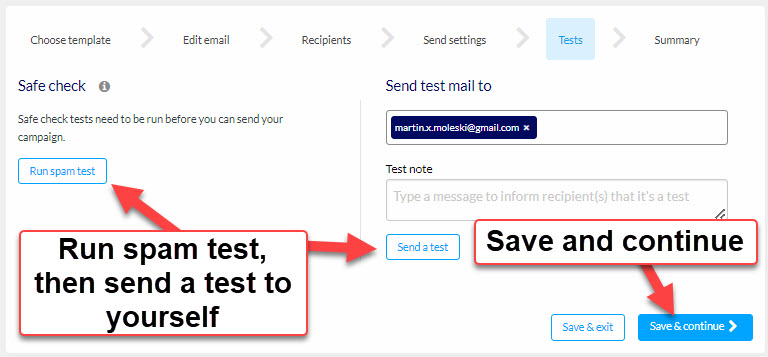
Run the spam test and send a test message to yourself
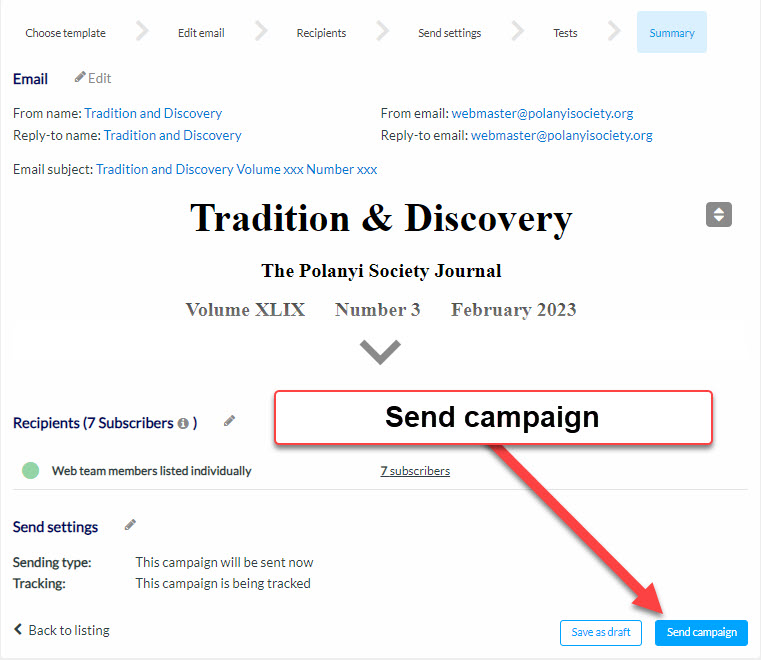
When the webteam test succeeds,
change the recipients list and email everybody
It is not necessary to stay logged in
Mailing 800 recipients takes about 13 hours.
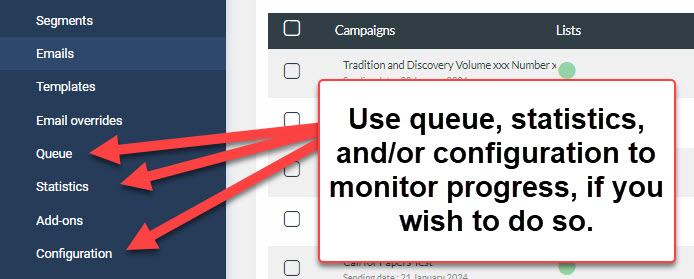
You may log in again and view the status of the queue, check statistics,
and see the email log through the advanced configuration link.
Download a pdf version of this article
- Details
- Written by: Martin Moleski
- Category: Webteam notes
- Hits: 103
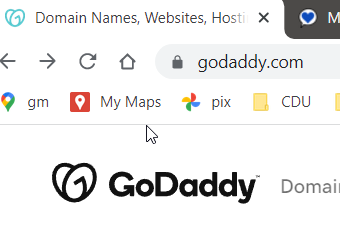
1. Log into godaddy.com with Polanyi Society credentials

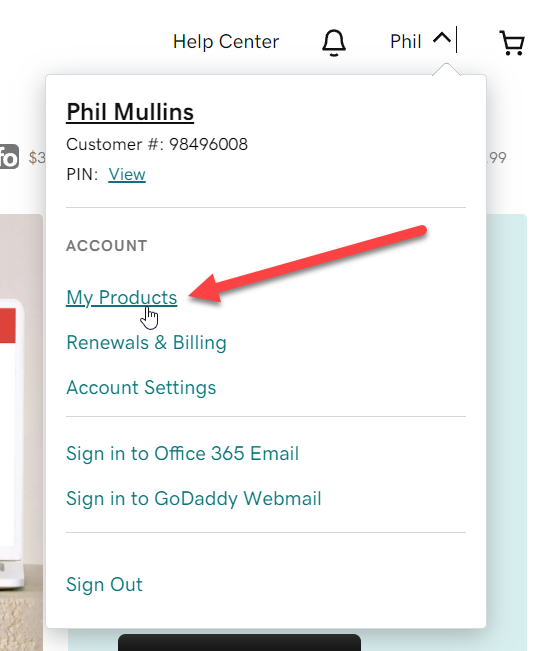
2. Under Phil, select My Products
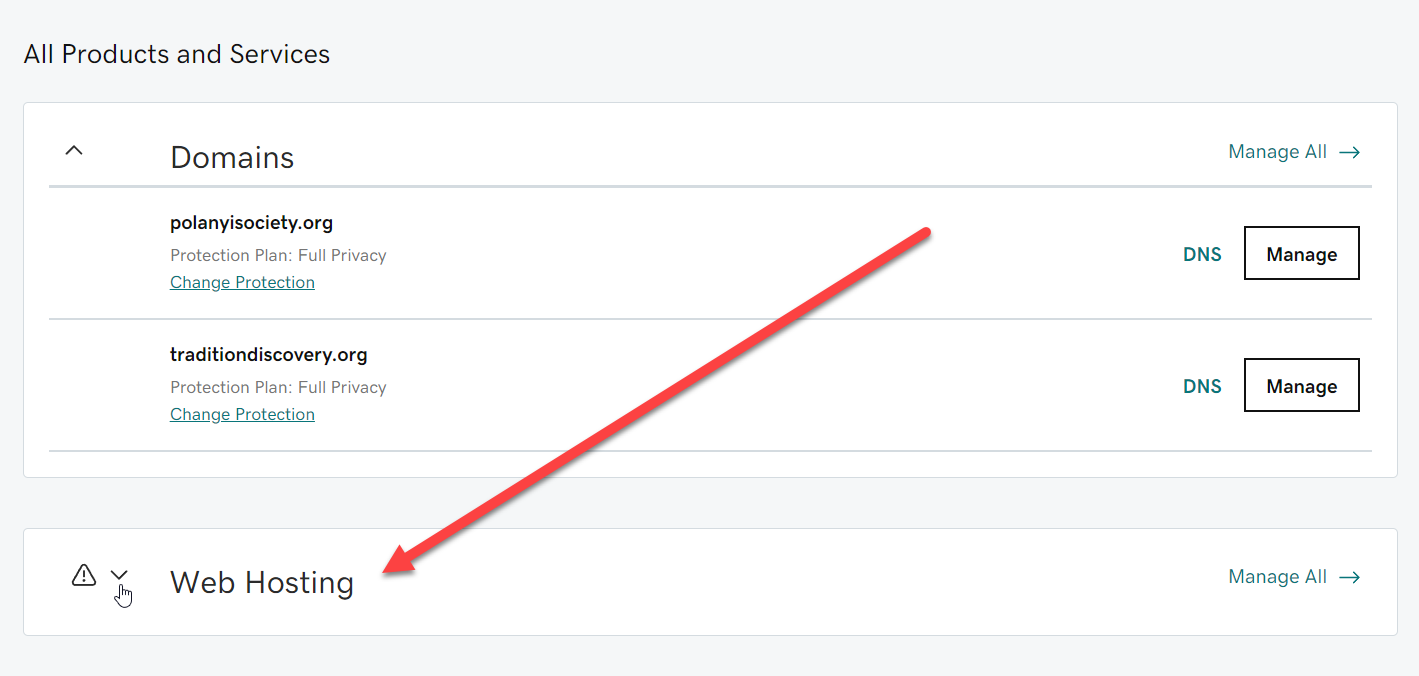
3. Scroll down and select Web Hosting
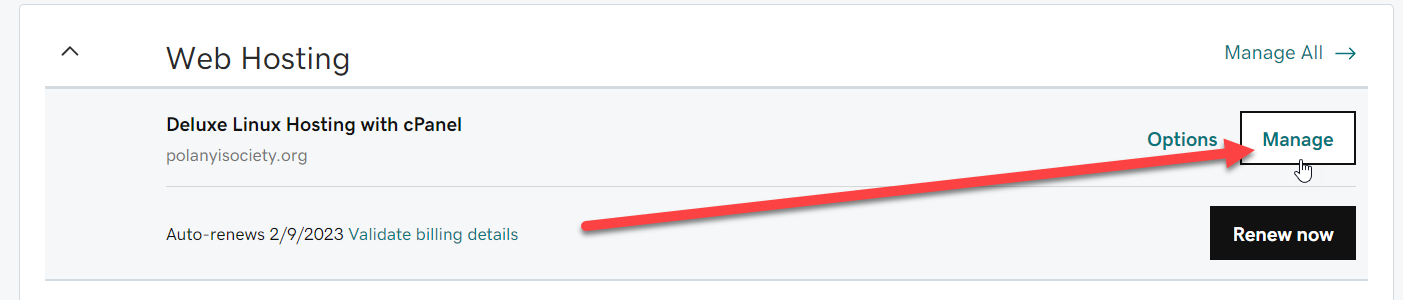
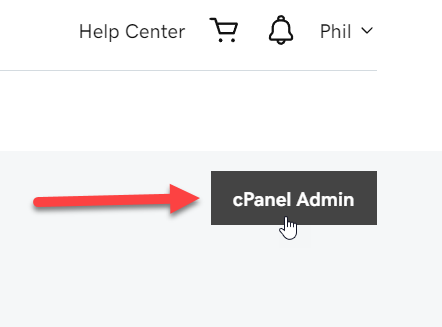
4. Select Manage, then select cPanel
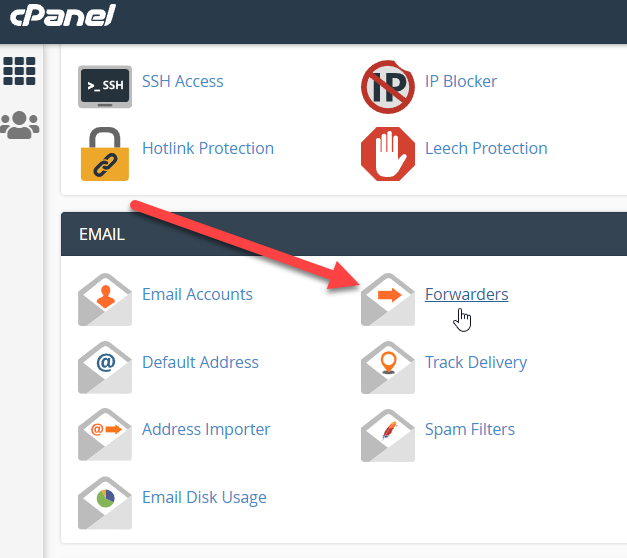
5. Scroll down to Email group and select Forwarders
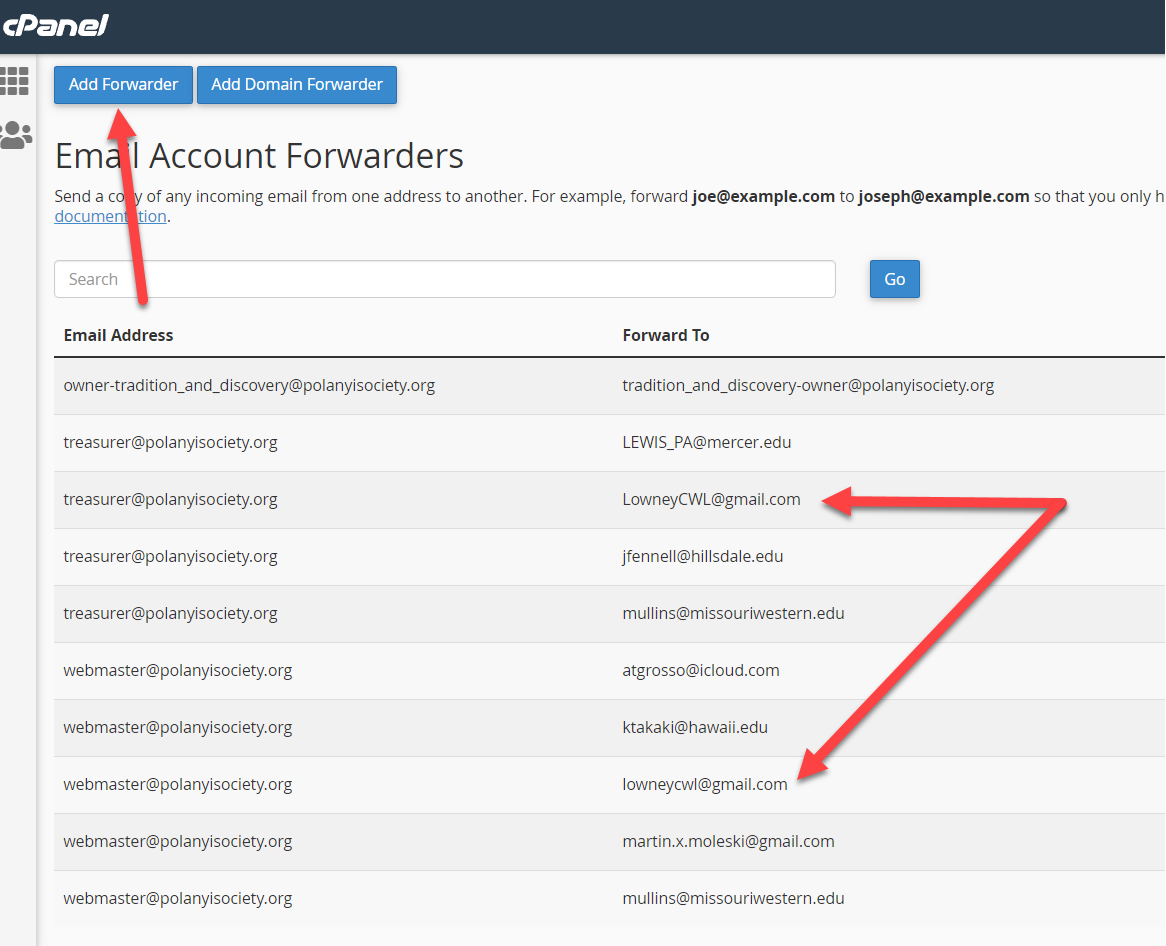
6. Examine current list of addresses, click Add Forwarder
At present, we have four emails to which
7. Fill in two addresses and then click Add Forwarder
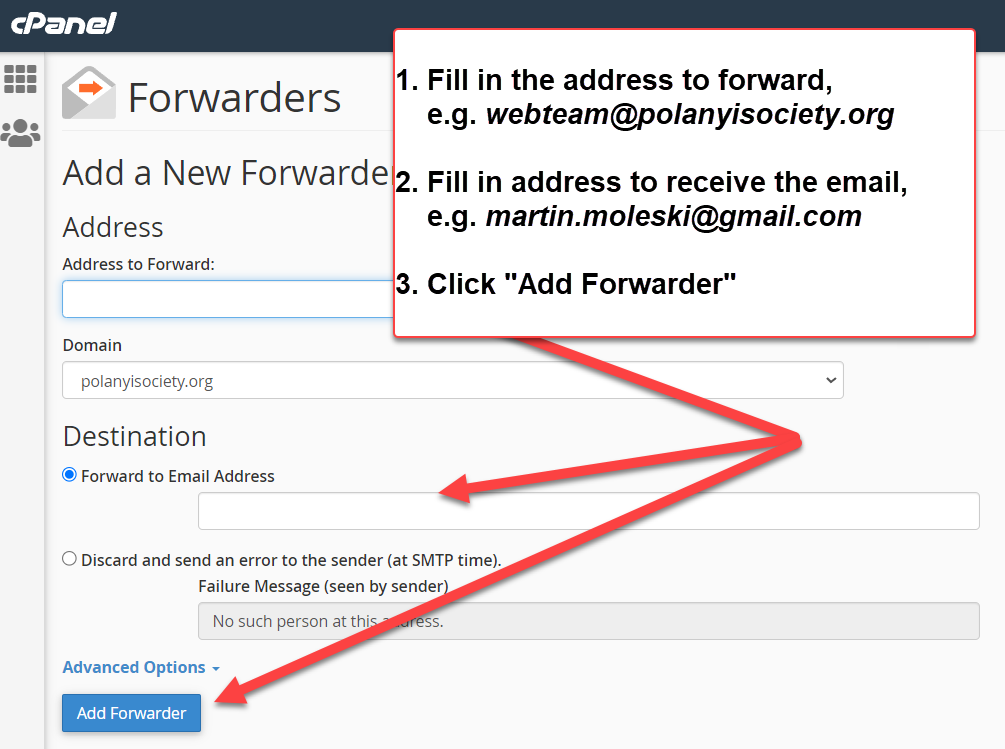
It is at this stage that you could create a new from address as well as supplying one or more recipient addresses to be associated with it.